Android (Termux)
Neomd runs on Android via Termux. Build natively on the phone — cross-compiled binaries have DNS issues on Android.
Install
pkg install golang git
git clone https://github.com/ssp-data/neomd
cd neomd
go build -o neomd ./cmd/neomd
./neomd
On first run, neomd creates ~/.config/neomd/config.toml. Edit it with your IMAP/SMTP credentials:
vim ~/.config/neomd/config.tomlThen run ./neomd again.
Why build on-device?
Cross-compiling with CGO_ENABLED=0 GOOS=android produces a working binary, but Go’s pure-Go DNS resolver can’t resolve hostnames on Android (no /etc/resolv.conf). Building natively in Termux uses the system C resolver, so DNS works out of the box.
A make android target exists for cross-compilation if you want to try it:
# on your Linux/Mac machine
make android
# transfer neomd-android to phone via LocalSend, adb, etc.
Images
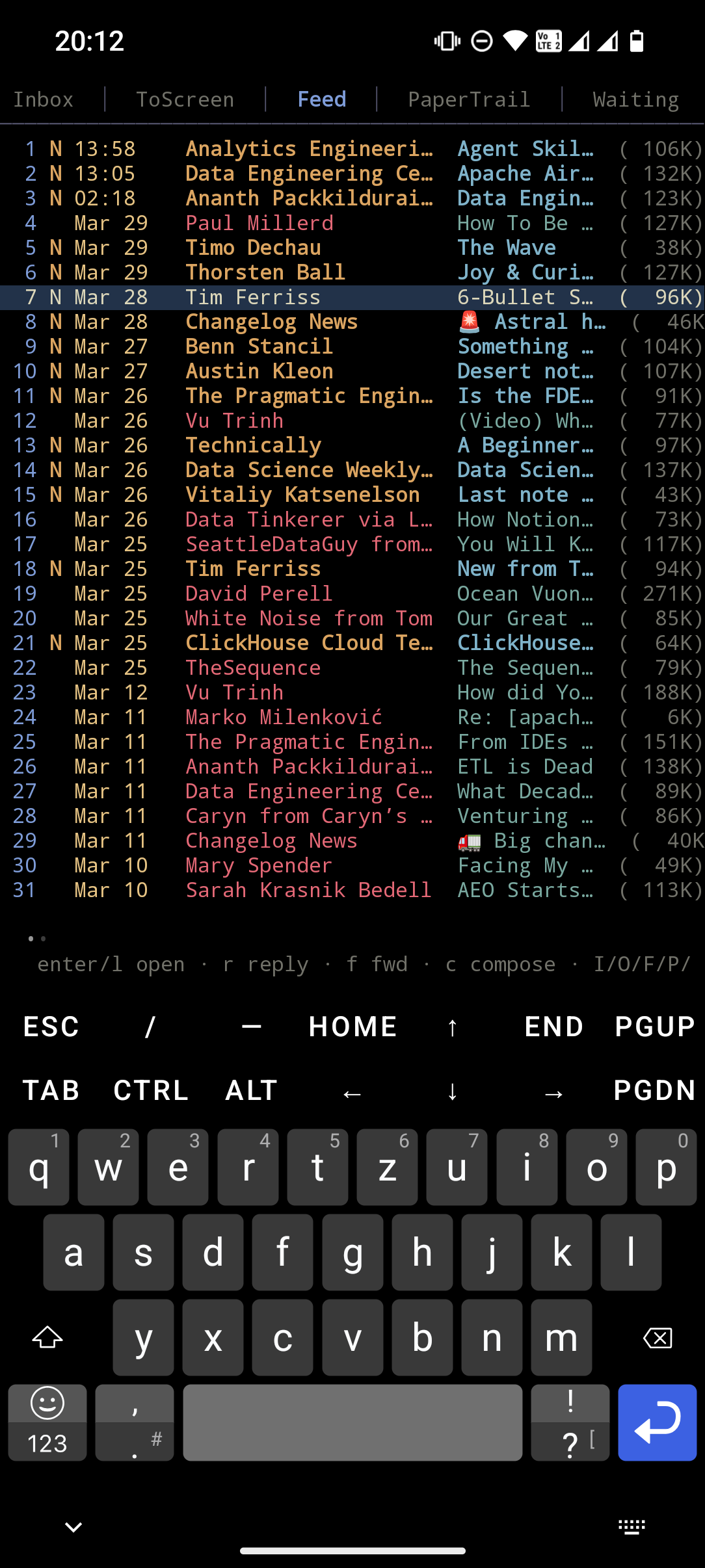
Overview email - feed:
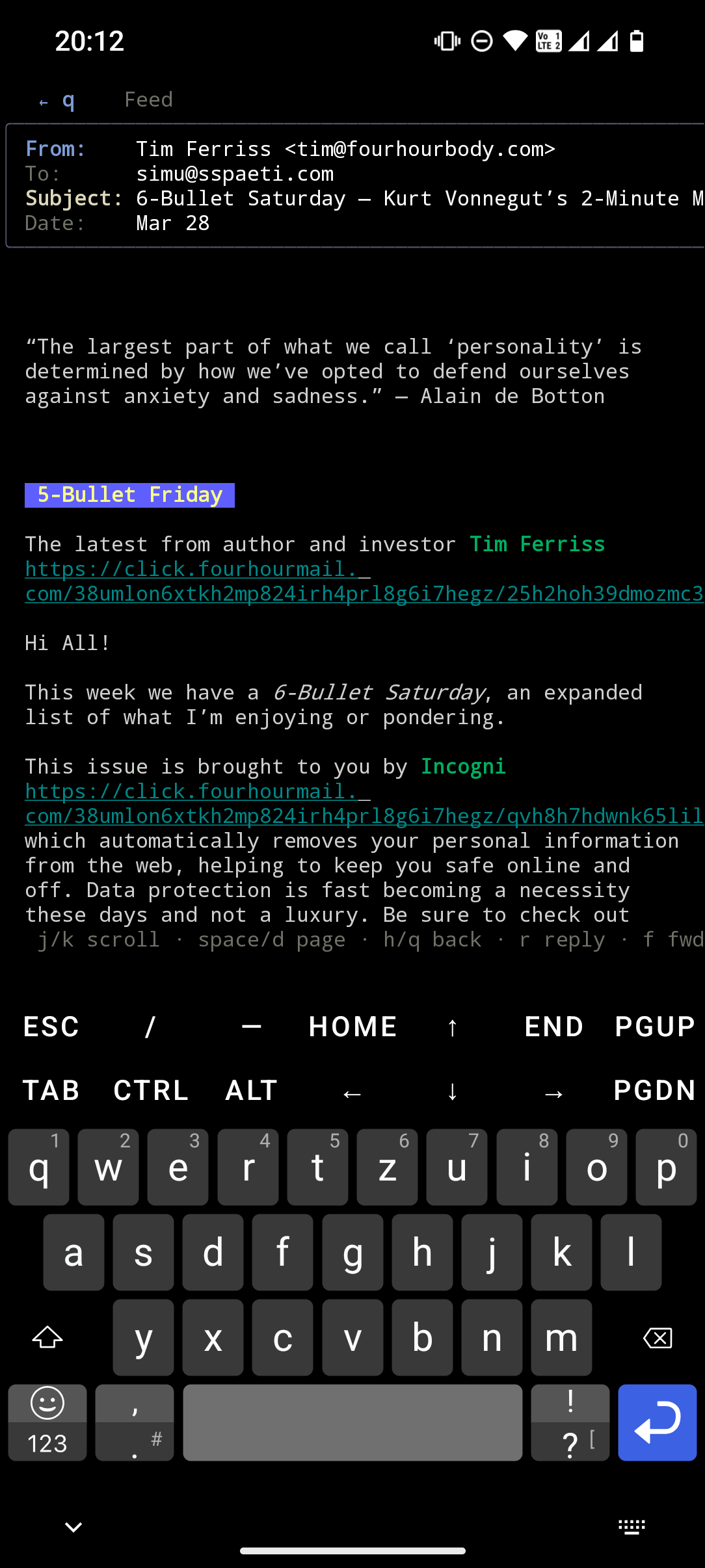
Reading an email:
Home Screen Shortcuts
Install Shortcut Maker from the Play Store to launch neomd and update it as home screen app icons.
Create the shortcut scripts in Termux:
mkdir -p ~/.shortcuts

# Launch neomd
echo '#!/data/data/com.termux/files/usr/bin/bash
cd ~/neomd-git && ./neomd' > ~/.shortcuts/neomd
chmod +x ~/.shortcuts/neomd

# Update and rebuild neomd
echo '#!/data/data/com.termux/files/usr/bin/bash
cd ~/neomd-git && git pull && go build -o neomd ./cmd/neomd' > ~/.shortcuts/neomd-update
chmod +x ~/.shortcuts/neomd-update
Then in Shortcut Maker → Termux → Shortcut → select neomd or neomd-update → add to your app drawer.
Notes
- Screen width: works best on a tablet or with a Bluetooth keyboard; phone screens (~40-50 columns) are fine for reading and triaging
- Composing: shells out to
$EDITOR(defaults tonvim); install neovim in Termux withpkg install neovim - Attachments:
xdg-opendoesn’t exist on Android; installtermux-apiand usetermux-openinstead (not yet auto-detected by neomd)